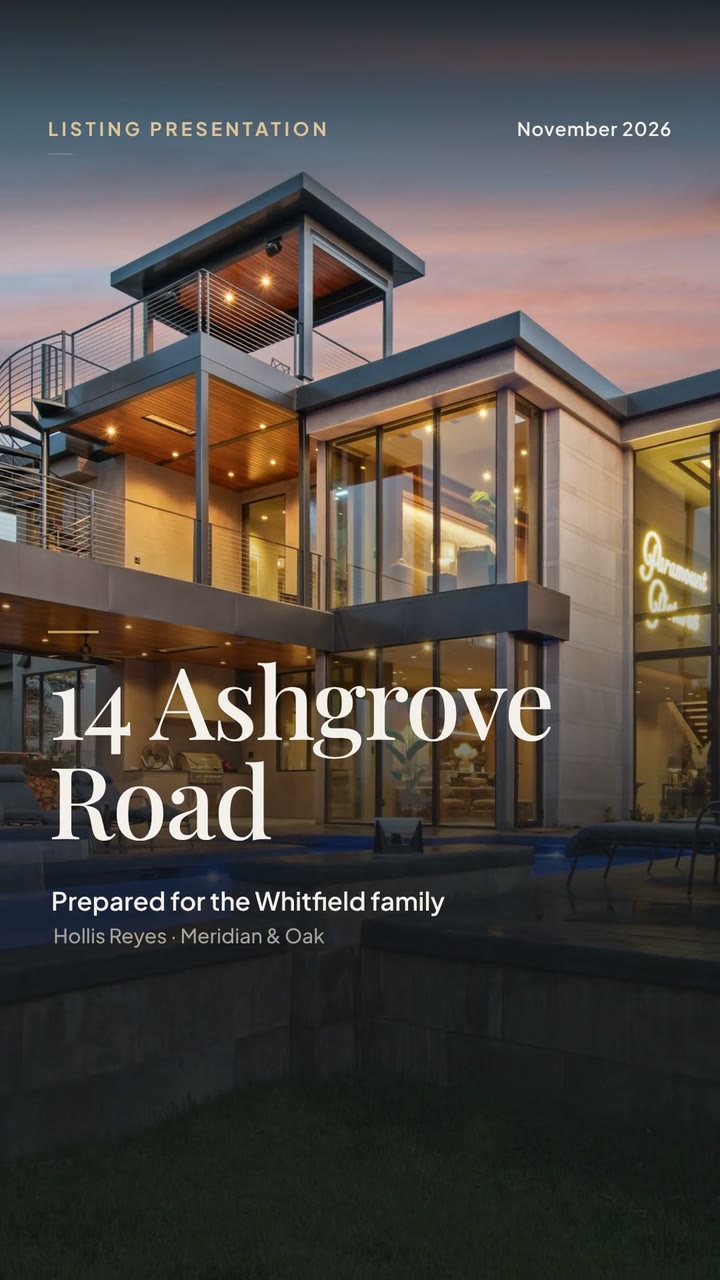
 Motion · 0:31
14 Ashgrove Road
Listing → video in minutes
Find a listing, pick Motion or Voiceover, and publish in minutes. No editing skills required.
Free. No credit card required, no sign-up · Open Blastrow Video





 Motion · 0:31
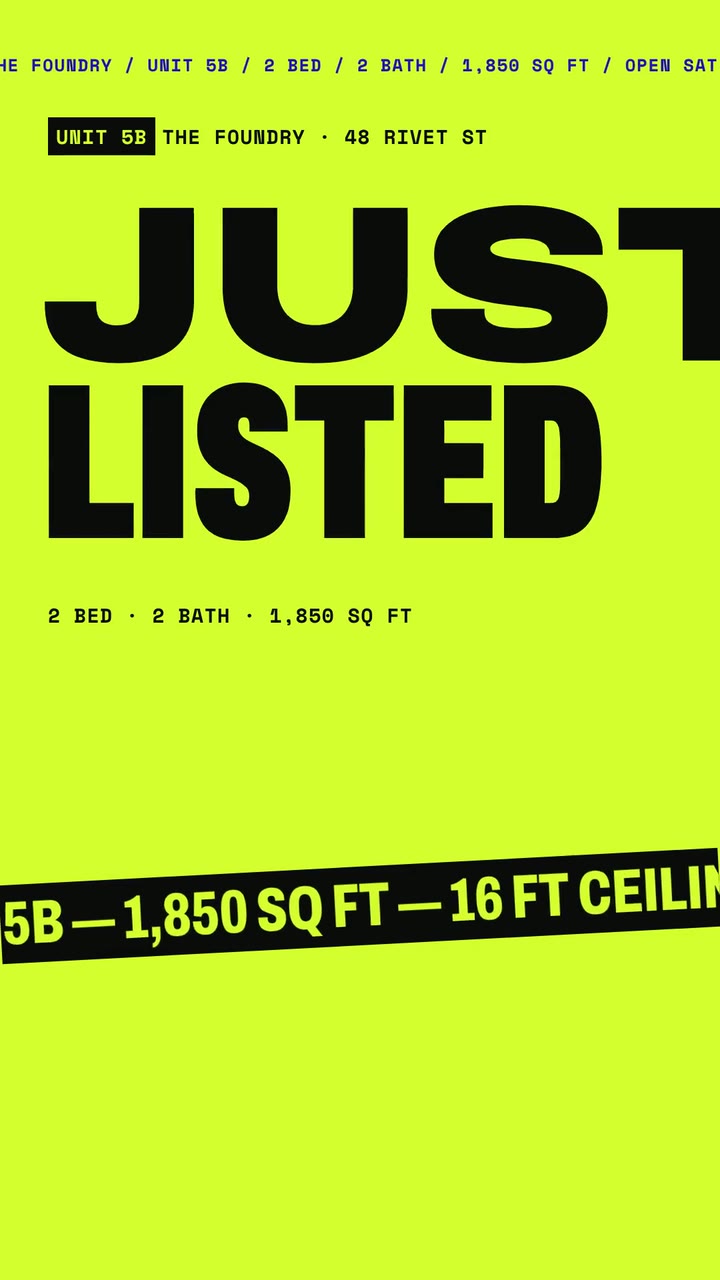 Motion · 0:30
Quick access
Enhance
Upscale listing footage
Soon
Captions
Auto captions that convert
Soon
Resize
Reframe for every platform
Soon
Showcase
Sample Motion and Voiceover cuts you can make in a couple of clicks.
Motion · 0:3114 Ashgrove Road
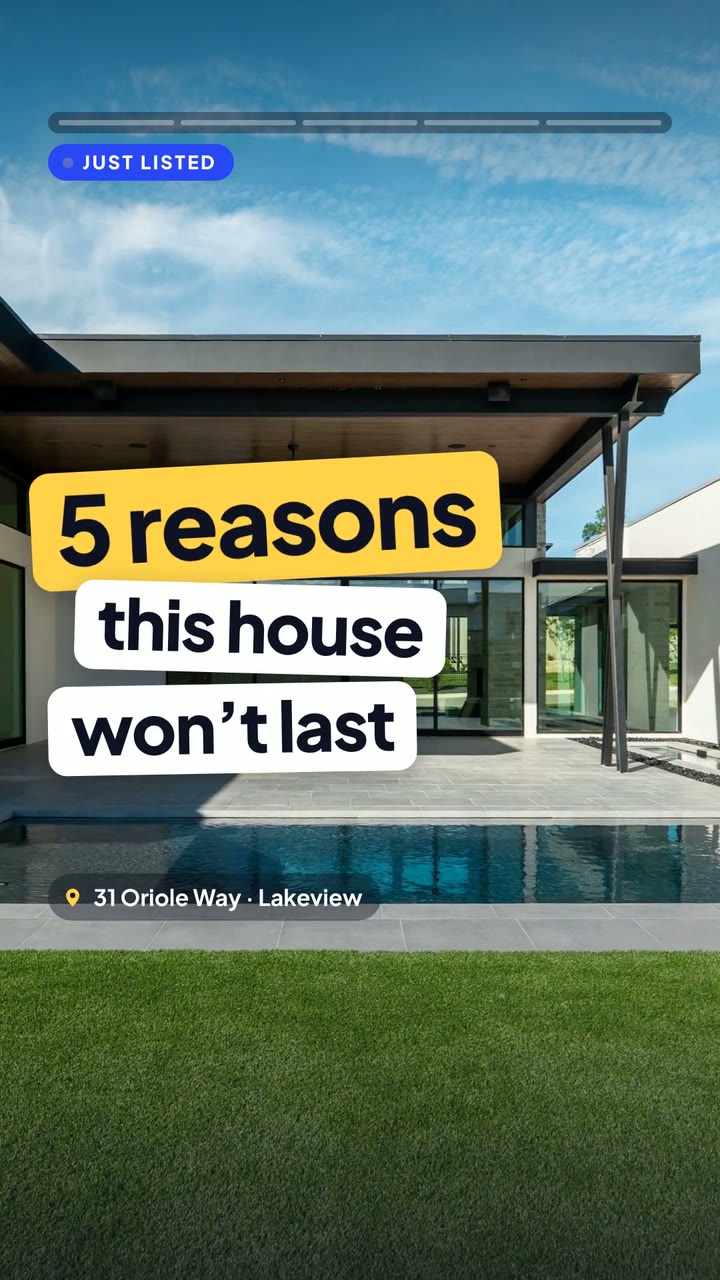 Motion · 0:31
31 Oriole Way
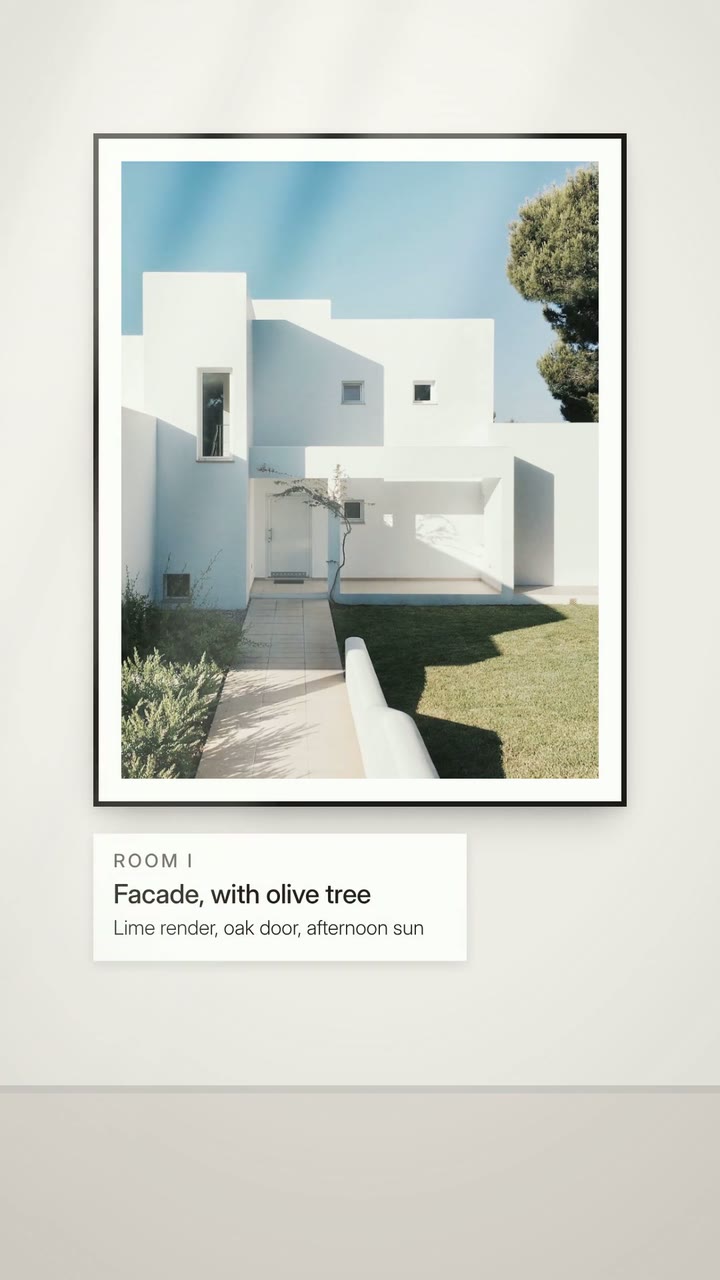 Motion · 0:31
44 Calder Lane
 Motion · 0:31
18 Maple Row
Motion · 0:32The Sundial House
 Motion · 0:31
1180 Larkspur
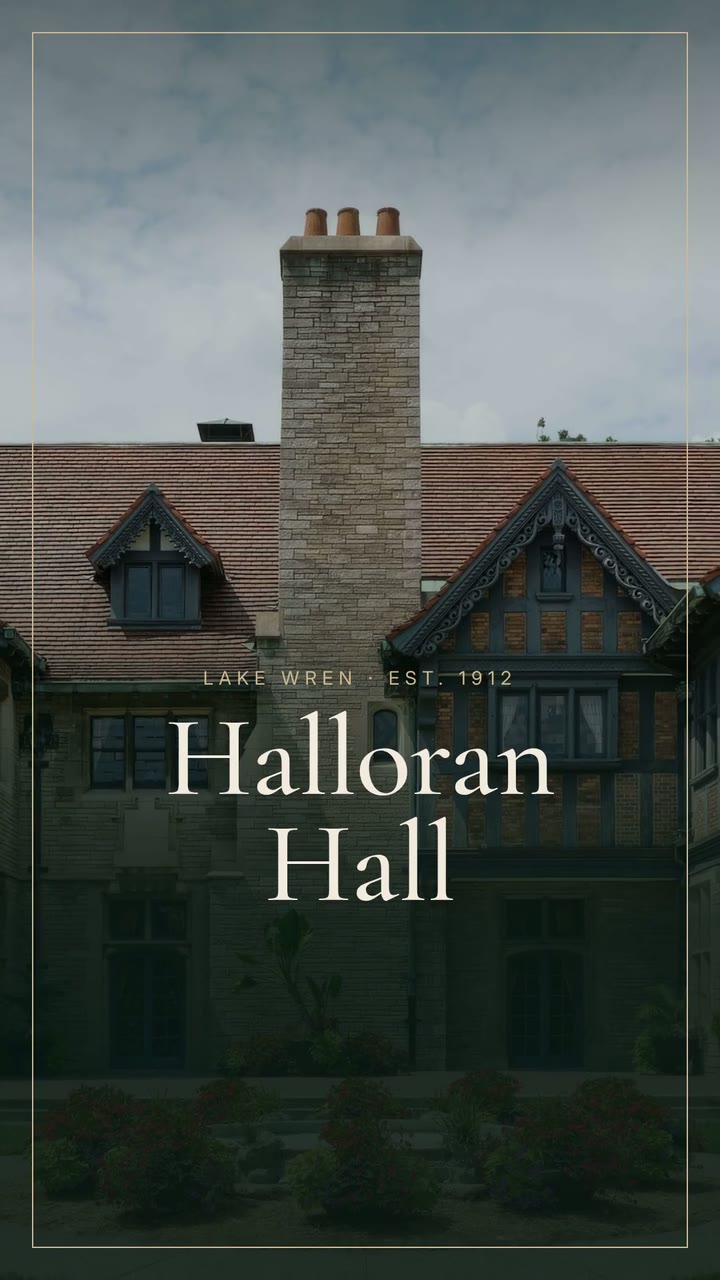 Motion · 0:32
Halloran Hall
Motion · 0:30Foundry 5B
 Voiceover · 0:30
Modern Loft Tour
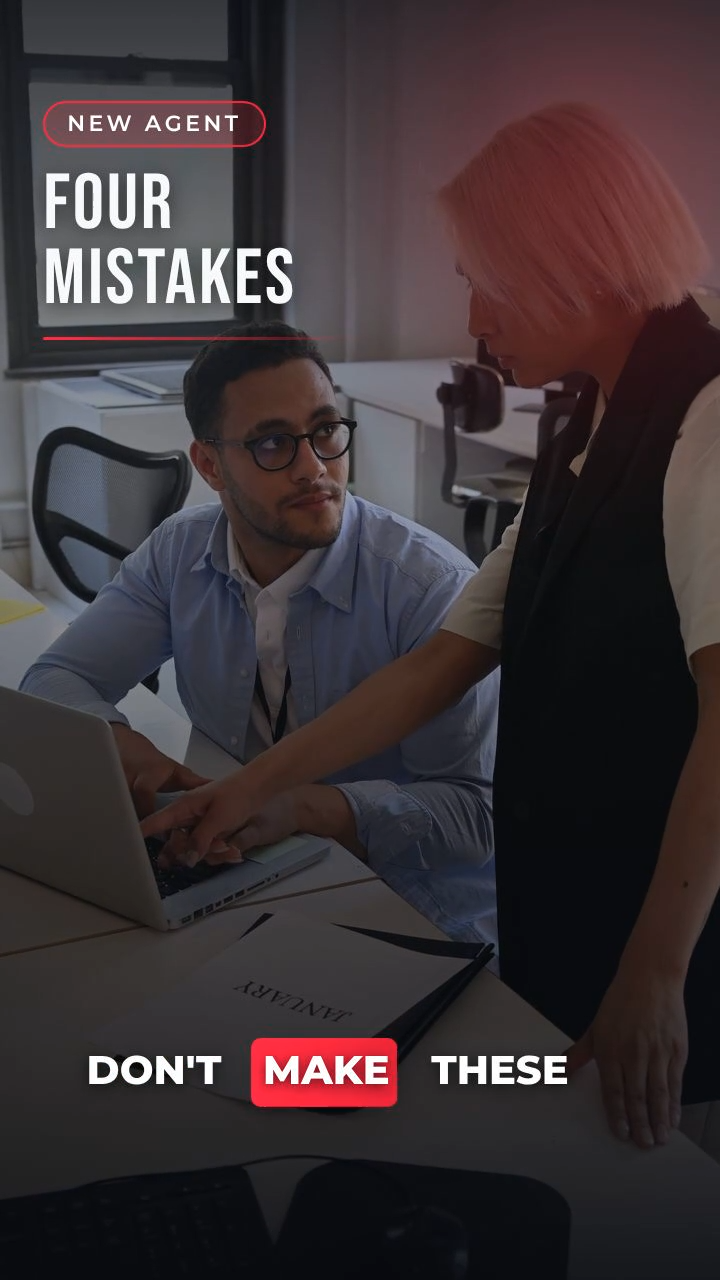 Voiceover · 0:30
Kitchen Walkthrough
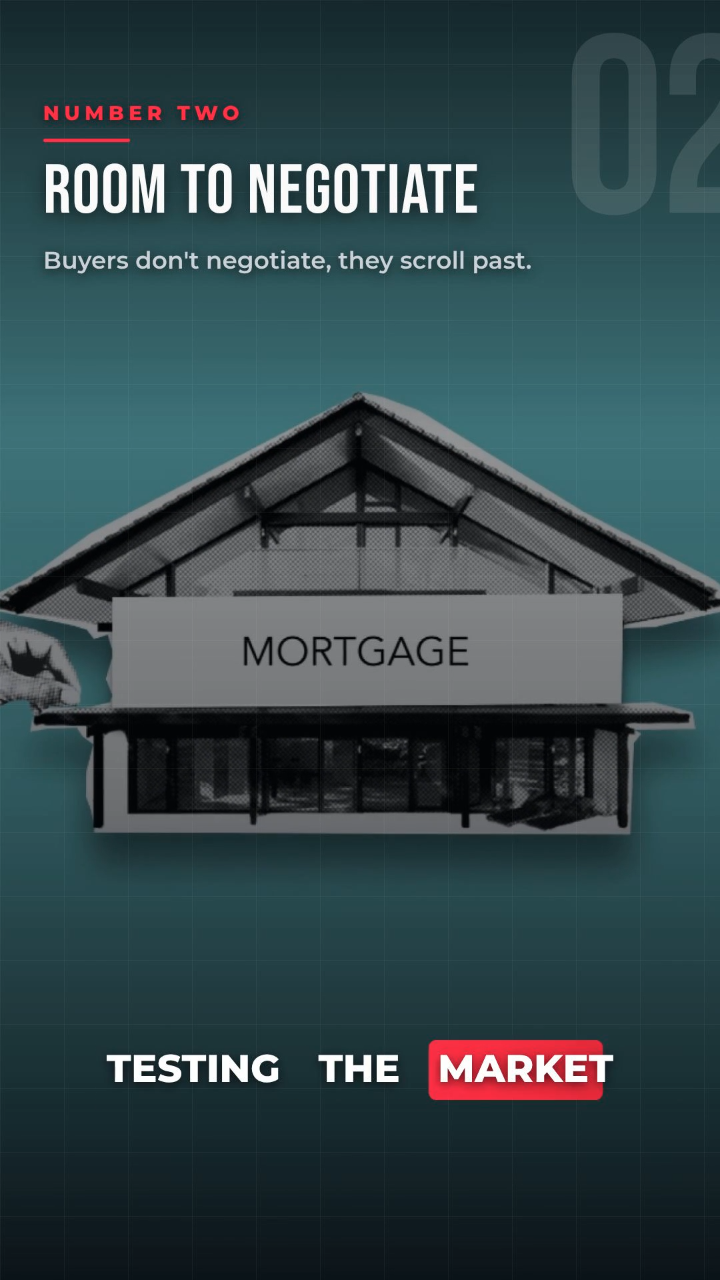 Voiceover · 0:30
Agent Intro
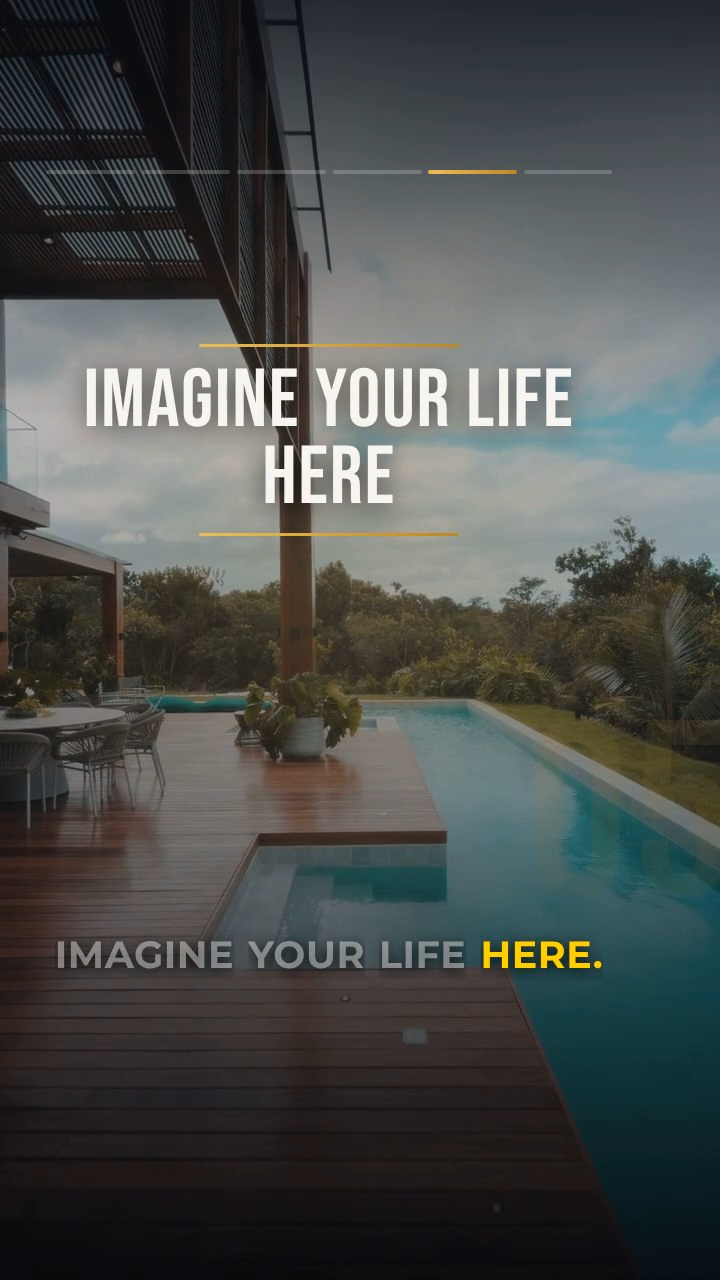 Voiceover · 0:24
Condo Amenities
1,000+
videos rendered every month
400+
agents creating with us
100+
agents passed 10k views
9:16 · 16:9
ready for every platform
How it works
Find your listing
Enter the property address and select your listing to get started.
Pick Motion or Voiceover
A punchy music cut for feeds, or a narrated tour for the full listing story.
Publish everywhere
Render in minutes, then share to Reels, TikTok, Shorts — or send straight to buyers.
FAQs
Motion uses your photos and clips with animated text, transitions, and music - no narration. Voiceover adds an AI voice reading your script, with captions on top. Motion is best for quick property showcases; Voiceover suits tips, market updates, and guided tours.
No. Bring in a listing, pick Motion or Voiceover, and generate - timing, transitions, captions, and music are handled for you. Tweak the prompt or script and regenerate anytime.
Every video exports as an MP4 in vertical 9:16 (720×1280 or 1080×1920) and landscape 16:9 (1280×720 or 1920×1080).
Short and feed-ready - most render under about 30 seconds, and Voiceover scripts are capped at 550 characters to stay tight.
Yes. Pick from a library of natural AI voices powered by ElevenLabs, and Voiceover videos include captions in several styles.
Alongside your own photos, the app pulls royalty-free stock photos and video as B-roll, and includes a built-in library of royalty-free music tracks.
Yes - refine the prompt or script and regenerate, and roll back to an earlier version from your project history.
Download the MP4, or use your device's share sheet to post to Instagram, TikTok, YouTube, and more. In-app scheduling and posting aren't available yet.
Agents publish hundreds of listing videos every week. Yours could be next.
No credit card required, no sign-up